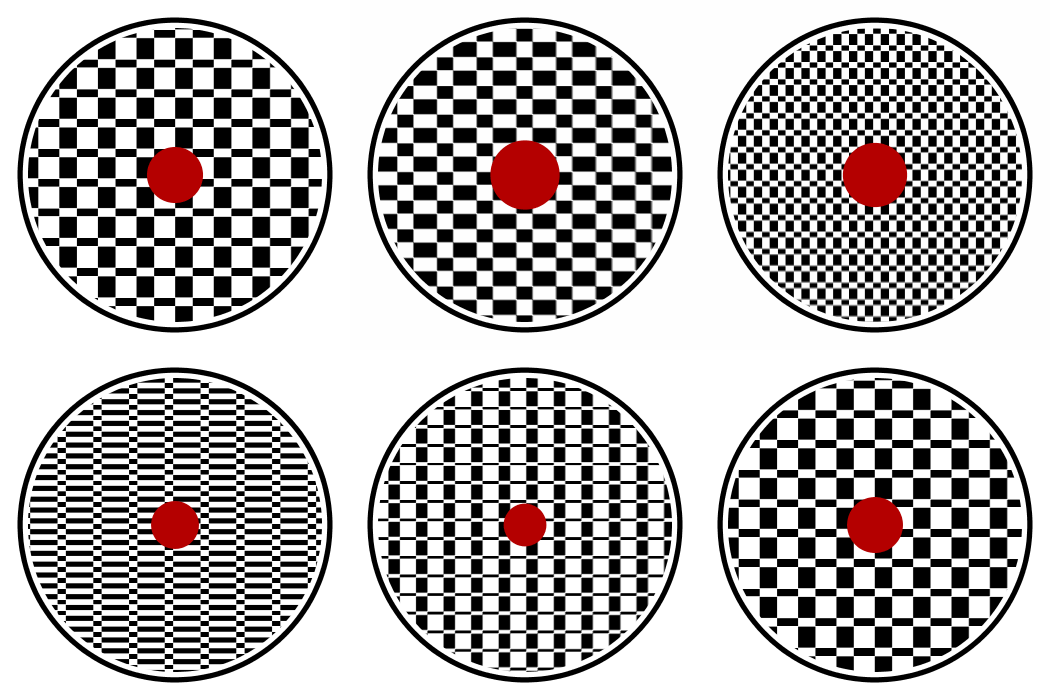
 Here’s an animation I made using the new
 AUMultiField masking call. This is an animated gif that I drew and saved one frame at a time.
I first drew a big white circle on a black background, and saved that in an AUField. That was my mask.
To draw each frame, I first drew the checkerboard full-screen and saved it in an AUField (I could have also drawn it into an offscreen PGraphics buffer). Then I cleared the screen to white, drew the outer circle, then the checkerboard with the mask, so it didn’t clobber my existing background and circle, and then finally drew the red dot on top.
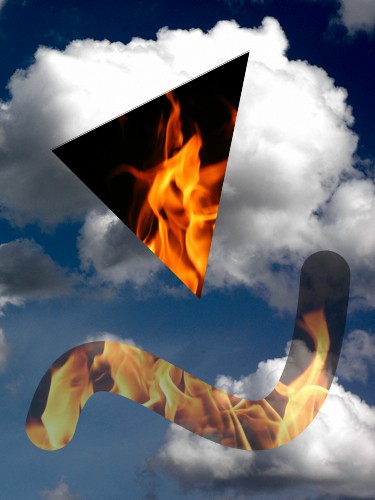 In the AU Library (currently in beta – see earlier posts for download links) you can store an RGB image in an object called an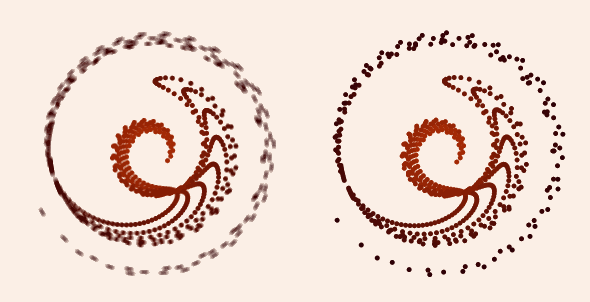
 Now that my AU Library is out (in beta, anyway) I thought I’d show how to write the noise blending code from an
  Huzzah! After a seemingly endless gestation period, my Processing library is ready for its beta release!