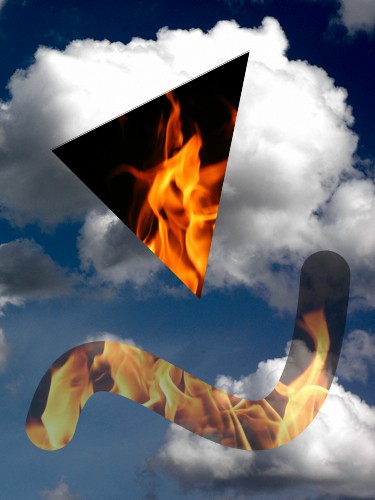
 In the AU Library (currently in beta – see earlier posts for download links) you can store an RGB image in an object called an
 AUMultiField, where you can do lots of things to do it, including drawing it on the screen.
Now you can also draw it using a mask. Create any AUField with shades of gray, and tell the library to use this as a mask when you draw your picture. Values of the mask from 0 to 1 control the opacity of the corresponding pixels, from fully transparent to fully opaque. In other words, the mask is an alpha layer, but it’s better than Processing’s built-in alpha because the values are stored in floats, giving them much more range and precision. The layer is also separate from the pixels, making it easier and faster to modify.
Continue reading
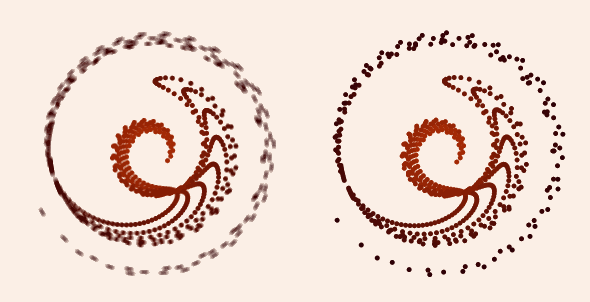
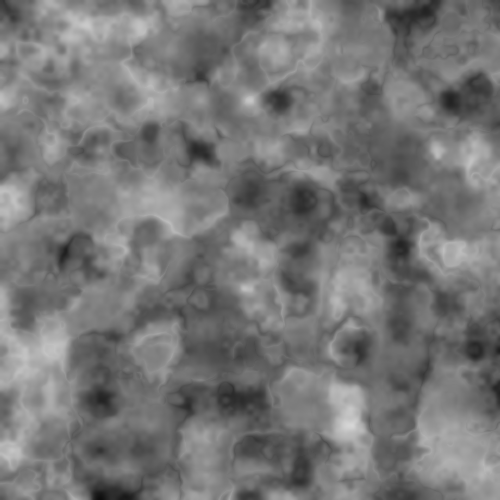 Now that my AU Library is out (in beta, anyway) I thought I’d show how to write the noise blending code from an
  Huzzah! After a seemingly endless gestation period, my Processing library is ready for its beta release!
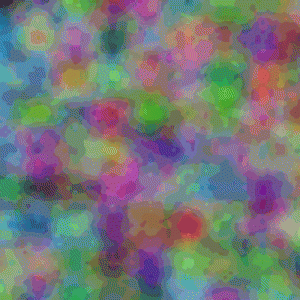 Some people have asked for an implementation of the noise blending technique in my previous post. Here’s the Processing code for the core idea. Keep in mind that this is just about making a smoothly changing noise field; what you do with that noise is up to you!
 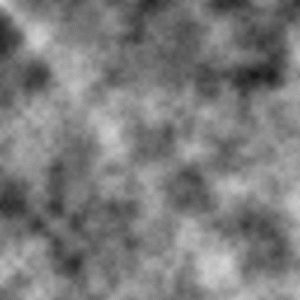 We often use Perlin-esque noise functions to create complex graphics (the noise function built into Processing is just such as function). We can save a value of noise at every pixel in our graphics window, creating a field of noise. The value of these fields is that, unlike white noise, these fields contain visible structure at multiple scales, and that structure usually creates interesting graphics. But when we animate these images they often seem to be missing a certain oomph. This note discusses one way to get that excitement back in there!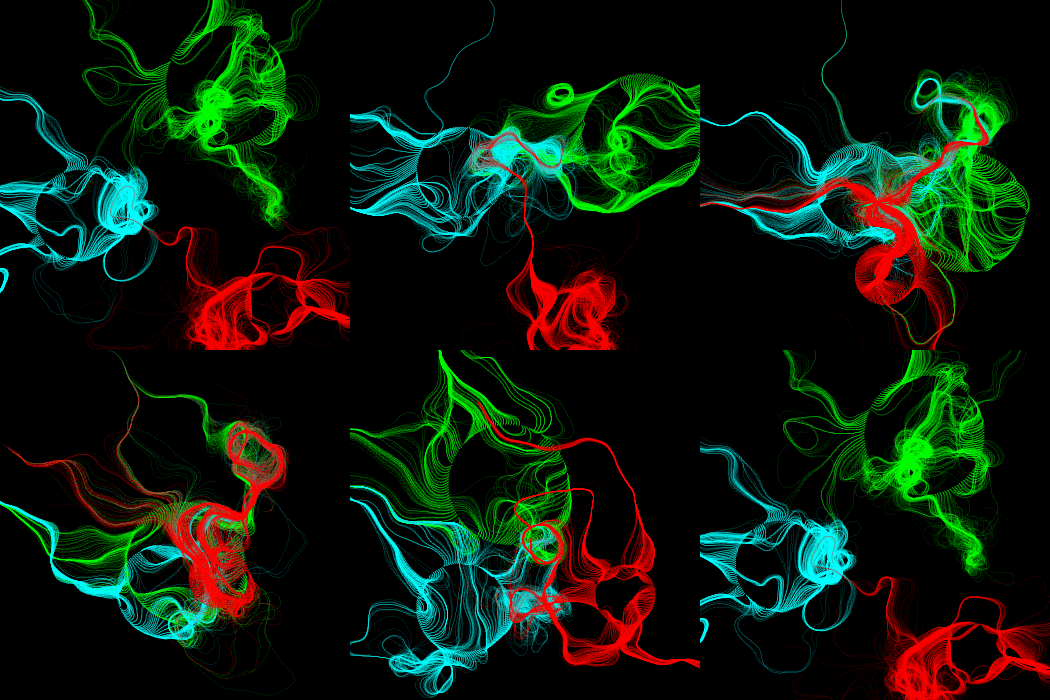
 While programming in